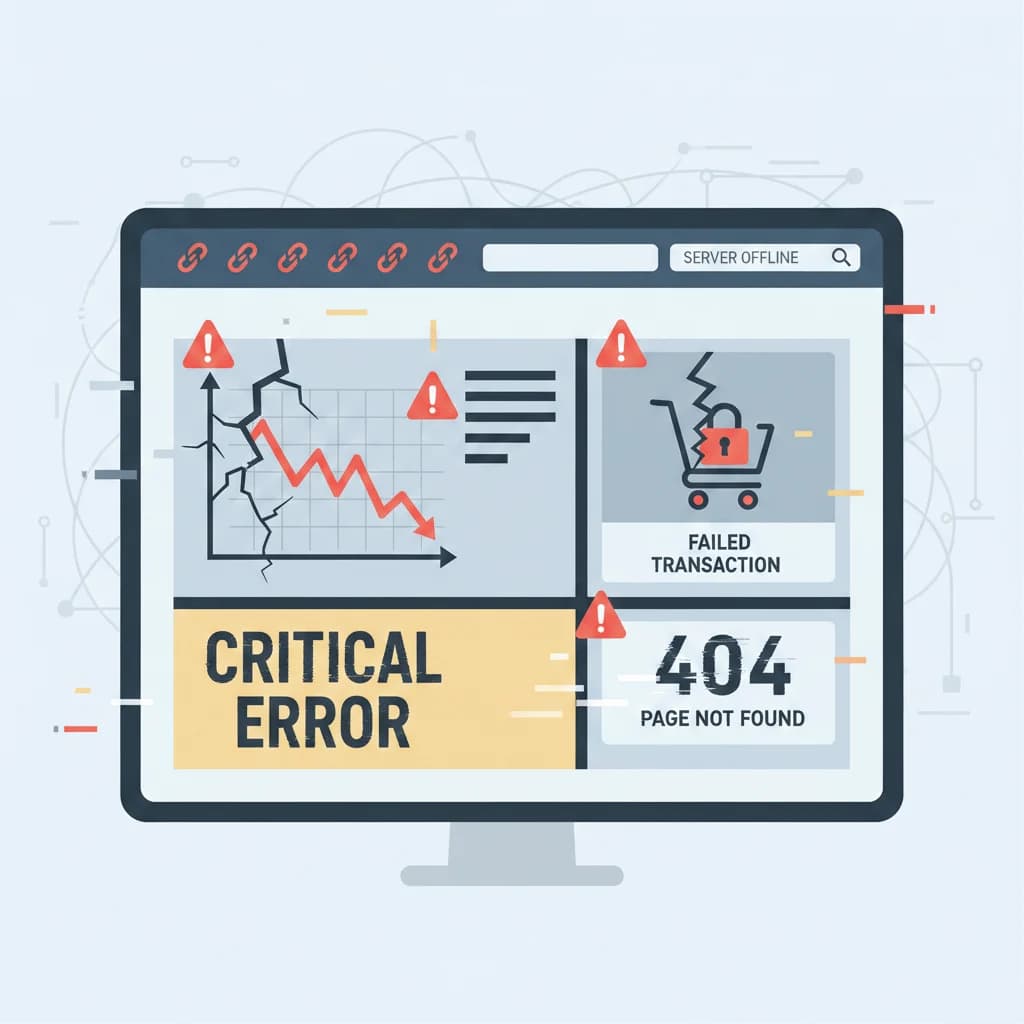
In today’s competitive digital landscape, a website is often the first interaction a customer has with a small business. Unfortunately, many small businesses invest in a website without understanding how critical development decisions can impact visibility, usability, and conversions. As a result, website mistakes for small business owners often lead to low traffic, poor engagement, and missed revenue opportunities.
From common website errors small business websites make to overlooked technical issues, these mistakes are usually avoidable with the right strategy. This guide explores the 10 website development mistakes small businesses should avoid, explains why they matter, and shows how to fix them effectively.
1. Ignoring Website SEO From the Start
One of the biggest website development mistakes small businesses should avoid is treating SEO as an afterthought. Many websites look visually appealing but fail to attract organic traffic due to poor search optimization. Search engines rely on structured data, relevant key words, and technical optimization to understand your website. Without SEO, your site may never appear in front of potential customers actively searching for your services.
Common Website SEO Mistakes to AvoidHow to Fix ItMissing or duplicate meta titles and descriptionsSEO is not optional – it’s the foundation of long-term online visibility.Improper heading structure (H1, H2, H3 misuse)Perform keyword research before building pagesNo keyword optimizationOptimize each page for one main keyword and related secondary keywordsImages without alt textUse descriptive URLs and internal linking
2. Poor Mobile Optimization
With mobile users accounting for the majority of web traffic, mobile website mistakes small business owners make can severely impact conversions. A website that looks great on desktop but performs poorly on mobile devices frustrates users and increases bounce rates. Google also prioritizes mobile-first indexing, meaning mobile performance affects rankings.
Common Mobile Website IssuesHow to Fix ItNon-responsive layoutsUse a responsive design frameworkSmall fonts and buttonsTest your website on multiple screen sizesHorizontal scrollingOptimize images and scripts for mobile performanceSlow mobile load times Mobile-friendly website improves user experience, SEO, and lead generation.
3. Slow Website Loading Speed
Website speed is one of the most overlooked yet damaging web development pitfalls small business websites face. Users expect pages to load within seconds. A slow website leads to:
Higher bounce rates
Lower search rankings
Reduced trust
Common Causes of Slow WebsitesHow to Fix ItLarge, uncompressed imagesCompress and optimize imagesPoor hosting providersUse caching and a CDNToo many pluginsUpgrade to reliable hostingUnoptimized codeRemove unnecessary plugins
4. Complicated Website Navigation
Another major website navigation error small business websites make is overcomplicating menus and site structure. Visitors should find what they need within seconds. Confusing navigation frustrates users and reduces engagement.
Common Navigation MistakesHow to Fix ItToo many menu itemsEnsure important pages are easily accessiblePoor labelingKeep navigation simple and intuitiveMissing search functionalityUse clear, descriptive labelsHidden important pagesAdd breadcrumbs and internal links
5. Outdated or Unprofessional Web Design
Many small business web design mistakes stem from outdated visuals or cluttered layouts. Visitors judge credibility within seconds. A poorly designed website can make your business appear untrustworthy or outdated.
Signs of Poor Web DesignHow to Fix ItInconsistent brandingUse modern, clean design principlesOld fonts and color schemesMaintain consistent brandingCluttered layouts & Low-quality imagesPrioritize readability and white space
6. Neglecting Website Security
Security is often ignored by small businesses, making it a critical web development pitfall small business owners must avoid. Unsecured websites are vulnerable to hacking, malware, and data breaches, which can damage reputation and SEO rankings.
Common Security MistakesHow to Fix ItNo SSL certificateInstall an SSL certificateOutdated plugins or themesKeep software updatedWeak passwordsUse strong authenticationNo regular backupsSchedule regular backups
7. Lack of Clear Call-to-Actions (CTAs)
A website without strong CTAs is a missed opportunity for conversions. Visitors may like your content but won’t take action if they’re not guided.
Common CTA MistakesHow to Fix ItVague or generic textUse clear, action-driven languagePoor placementPlace CTAs strategically across pagesLow visibility Use clear, action-driven language Place CTAs strategically across pages Use contrasting colors for buttons
8. Poor Content Strategy
Content plays a major role in SEO and engagement. One of the biggest ways to avoid website mistakes tips is improving content quality. Thin, outdated, or irrelevant content fails to attract users or rank in search results.
Common Content IssuesHow to Fix ItKeyword stuffingCreate informative, original contentLow-quality writingAnswer real user questionsNo blog or educational contentUse keywords naturallyDuplicate pagesUpdate content regularly
9. Ignoring Analytics and User Behavior
Many small business UX mistakes go unnoticed because owners don’t track performance. Without analytics, you’re guessing instead of making data-driven decisions.
Common Analytics MistakesHow to Fix ItNo tracking tools installedUse Google Analytics and Search ConsoleIgnoring bounce rates and conversionsTrack conversions and user journeysNot testing user behaviorImprove pages based on real data
10. Overlooking Website Accessibility
Accessibility is a growing concern and a commonly ignored website development mistake small businesses should avoid. Inaccessible websites exclude users with disabilities and may lead to legal risks. They also harm SEO and usability.
Common Accessibility IssuesHow to Fix ItPoor color contrastFollow WCAG accessibility guidelinesMissing alt textUse readable fonts and colorsHard-to-read fontsAdd alt text to imagesKeyboard navigation issuesTest accessibility tools
Conclusion
Avoiding these 10 website development mistakes small businesses should avoid can significantly improve your website’s performance, search rankings, and user engagement. From SEO and mobile optimization to navigation, content, and accessibility, each element plays a vital role in your online success.
A well-developed website doesn’t just look good – it attracts visitors, builds trust, and converts users into customers. By identifying and fixing these common website errors small business websites make, you set your business up for sustainable growth.
Contact Us
If your website isn’t delivering results, now is the time to audit it. Fixing these mistakes today can lead to better traffic, higher conversions, and stronger online credibility tomorrow.
Have a project that could use this kind of thinking?
Get a free Consultation