











WordPress continues to dominate the web as the world’s most popular content management system. With the release of WordPress 6.9 update, site owners, bloggers, and developers gain access to powerful new features, improved performance, and tools designed to make content creation easier than ever.
Whether you run a personal blog, an eCommerce store, or a professional publication, WordPress 6.9 offers improvements that can enhance SEO, site speed, and collaboration. In this article, we’ll cover everything you must know about WordPress 6.9, including new blocks, editor enhancements, performance upgrades, and tips for safely updating your website.
What’s New in WordPress 6.9?
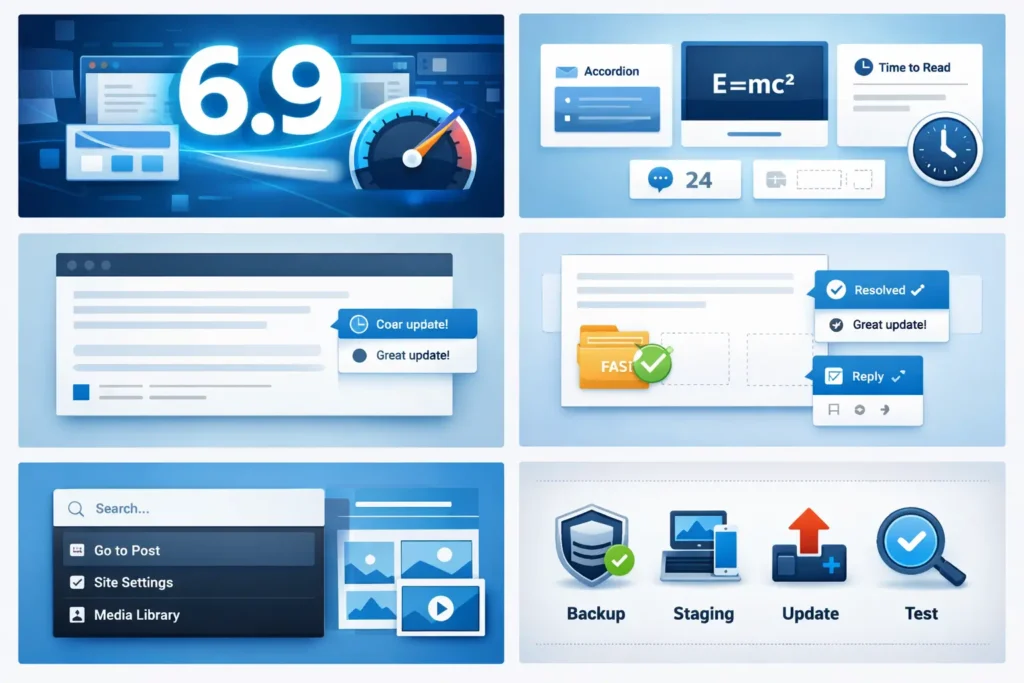
The WordPress 6.9 update introduces several highly requested features that simplify content creation, improve performance, and make collaboration more efficient. Here’s a quick overview:
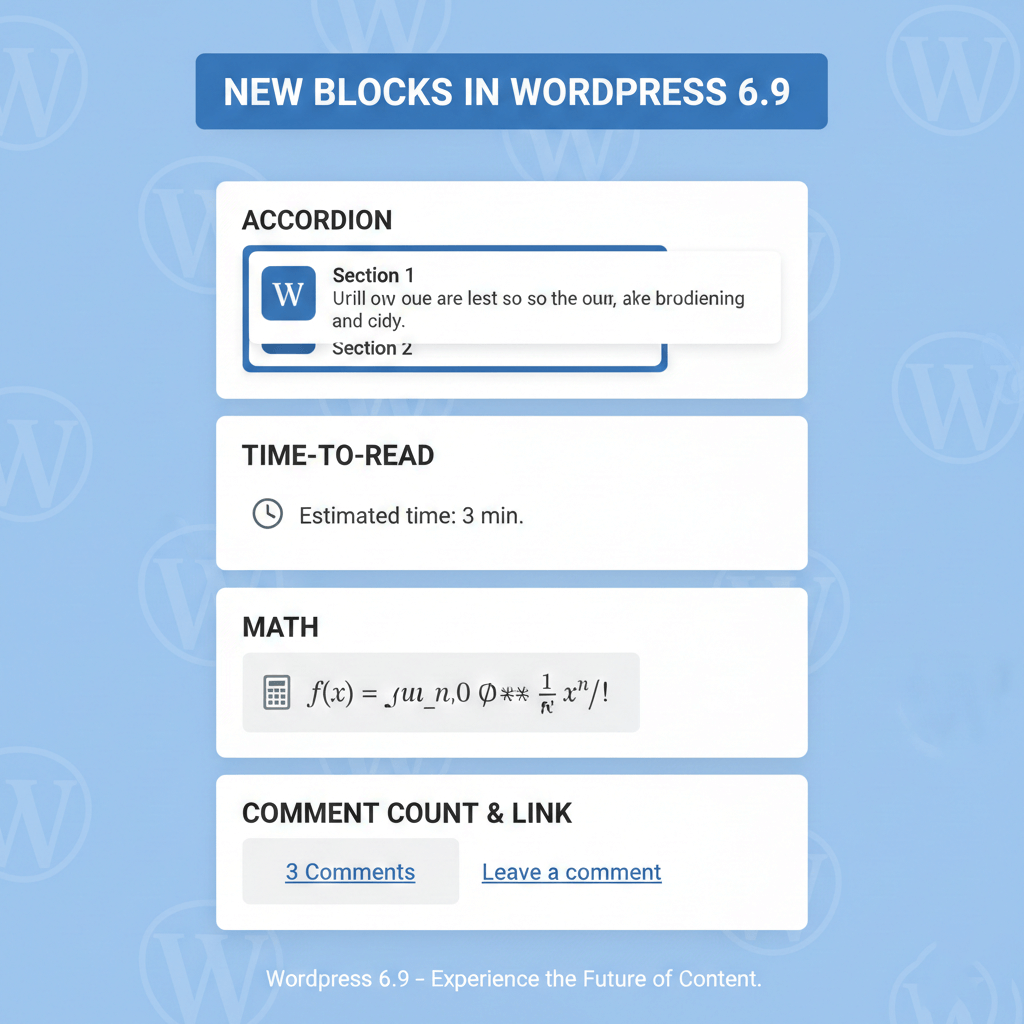
New Blocks: Accordion, Time-to-Read, Math, Comment Count, and Comment Link.
Editor Improvements: Fit Text feature, better gallery and cover blocks, starter pattern modal.
Collaboration Tools: Notes feature for block-level commenting.
Performance Enhancements: On-demand block CSS, smarter asset handling.
These updates make WordPress 6.9 a major improvement over previous versions, providing both site owners and developers with more flexibility and efficiency.
WordPress 6.9 Features You Must Know
WordPress 6.9 builds on the block‑based editing experience introduced in previous versions, while making everyday tasks easier. The update focuses on improved workflow, enhanced visual design capabilities, and new blocks that reduce dependence on external plugins.
Smarter Workflow With Collaboration Tools
One of the standout highlights of WordPress 6.9 is the introduction of block‑level collaboration features – a big win for teams and editorial workflows.
- Block‑Level Notes
You can now add Notes to individual blocks in your editor. These act like comments in a Google Doc – letting teammates leave feedback, reply, and resolve discussions right where the content lives. This reduces the need for third‑party tools or separate communication platforms. - Hide and Show Blocks
With block visibility controls, editors can temporarily hide content from the live site while keeping it in the editor. This is especially useful for seasonal promotions, update staging, or recurring messages you plan to reuse later.
Command Palette – Access Anything Fast
WordPress 6.9 expands the Command Palette (opened with Ctrl/Cmd + K) across the entire dashboard – not just within the Site Editor. This tool lets you quickly jump between posts, settings, media, or actions with keyboard commands rather than navigating menus.
- Instant navigation
- Faster site management
- Less mouse navigation
This makes the dashboard feel faster and more intuitive, especially for advanced users who prefer keyboard shortcuts.
New Native Blocks
One of the biggest highlights of WordPress 6.9 features is the addition of native blocks, which reduce the need for extra plugins.
- Accordion Block: Create collapsible sections for FAQs, tutorials, or content-heavy posts. Improves UX and can help with SEO by making content more accessible.
- Time-to-Read Block:This block estimates how long it will take someone to read your content – a useful interactive detail that enhances user experience and sets expectations upfront.
- Math Block: For educational, scientific, or technical websites, the Math block supports LaTeX formatting, making complex equations easy to display without plugins.
- Comment Count & Comment Link Blocks: More control over comment placement and visibility.
- Term Query & Companion Blocks: WordPress 6.9 improves how categories and tags are displayed with the Term Query block and related companion blocks. These help build custom archive views and dynamic lists more easily.
Improved Editing and Layout Controls
The block editor itself received several enhancements designed to make content building faster and more precise.
- Drag‑and‑Drop Feedback
When something is moved around the editor, you can now see exactly where it will land before dropping it – reducing guesswork and layout mistakes. - Allowed Blocks UI
Instead of editing code, you can now visually set which block types are allowed in specific areas of your layout. This is especially helpful for keeping design consistency across custom post types or templates. - Fit Text (Stretchy Text)
Typography automatically adjusts to fill its container. This means heading and paragraph sizes adapt based on layout, improving readability on mobile and desktop screens.
Collaboration & Workflow Improvements
WordPress 6.9 update introduces a Notes feature that enables block-level commenting within the editor.
Benefits:
- Streamlined editorial workflow
- Clearer communication for multi-author websites
- Reduces dependency on external collaboration tools
This is particularly helpful for teams managing blogs or content-heavy websites.
Gallery and Media Enhancements
WordPress 6.9 includes better control over galleries and media:
- Gallery Aspect Ratios – Set a unified image ratio quickly from the editor.
- Cover Block Posters – Add fallback images to cover blocks with video backgrounds, improving visual loading on slow connections.
These make visual content more dynamic while maintaining performance standards.
Performance Improvements in WordPress 6.9
Performance is a critical aspect of SEO and user experience. WordPress 6.9 introduces several enhancements:
On-Demand Block CSS Loading
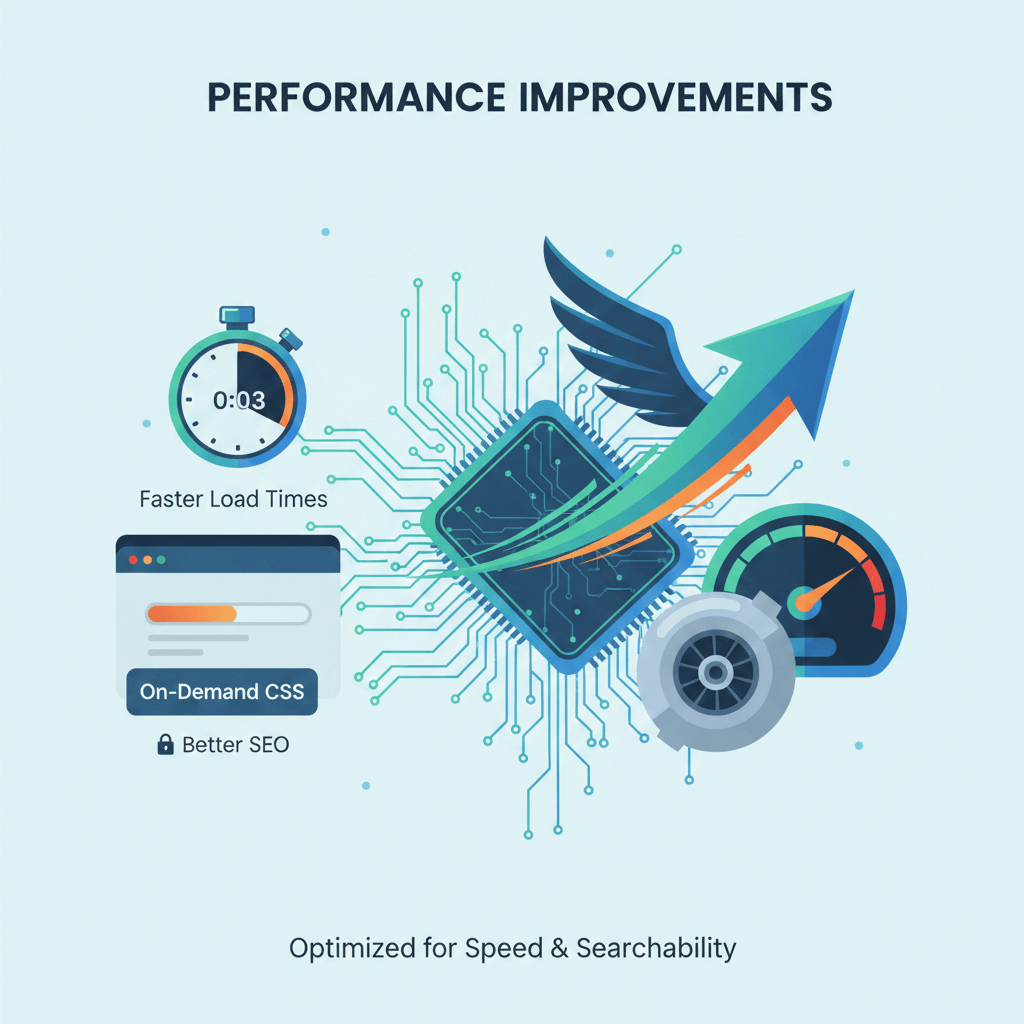
- Only loads the CSS for blocks used on a page, rather than all block styles site-wide
- Result: Faster page loading times, reduced CSS bloat, and improved Google PageSpeed scores
Smarter Asset Handling
- Core scripts and styles are now optimized for reduced render-blocking
- Improves mobile performance and overall site speed
These changes contribute to better SEO rankings and a smoother user experience.
SEO Benefits of WordPress 6.9
While WordPress 6.9 doesn’t directly include new SEO tools, several updates indirectly support search engine optimization:
- Time‑to‑Read blocks help users stay longer on posts – improving engagement signals.
- Faster site loads and optimized CSS usage support Core Web Vitals, which is a ranking factor for Google.
- Collaborative editing workflows help teams publish quality content faster – increasing consistency and search visibility.
These features, combined with performance gains, make WordPress 6.9 a smart update for SEO‑minded site owners.
How to Update to WordPress 6.9 Safely
Before updating, follow these steps to avoid issues:
Backup Your Website:
Always create a full backup of files and databases.Use a Staging Site:
Test the update in a staging environment first.Check Plugin Compatibility:
Make sure your themes and plugins are compatible with WordPress 6.9.Update Core:
Use the WordPress dashboard or FTP to update safely.Test Your Site:
Verify that pages, posts, and functionality work after updating.
Following these steps ensures a smooth transition to WordPress 6.9 without downtime or errors.
Getting Started With WordPress 6.9
How to Update
Updating is simple:
- Go to your WordPress dashboard → Dashboard > Updates
- Click Update Now and follow the prompts
Your site should update to WordPress 6.9 automatically if you have auto‑updates enabled. Always verify your live site functionality afterward.
WordPress 6.9 vs Previous Versions
Compared to WordPress 6.8, the 6.9 update offers:
- Enhanced block editor and new blocks
- Better collaboration tools for teams
- Performance optimizations with on-demand CSS
- Improved SEO and user experience features
This makes WordPress 6.9 a worthwhile update for both new and existing websites.
Conclusion
The WordPress 6.9 update offers businesses powerful new features, noticeable performance improvements, and strong SEO benefits. At Compilex Technologies, we recommend leveraging these enhancements to improve website speed, streamline content creation, strengthen search visibility, and enable better collaboration on multi-author websites.
If you haven’t updated yet, now is the time to back up your site, test WordPress 6.9 on staging, and enjoy the new features. Your website will be faster, more user-friendly, and fully prepared for 2025 SEO standards.
Frequently Asked Questions
Q1: What are the new features in WordPress 6.9?
- New blocks (Accordion, Math, Time-to-Read)
- Fit Text feature
- Notes for collaboration
- Performance optimizations
Q2: Is WordPress 6.9 worth updating?
ANS: Yes. It improves speed, design flexibility, and editorial collaboration while reducing plugin dependency.
Q3: How does WordPress 6.9 improve SEO?
ANS: Faster load times, cleaner code, new blocks for schema, and better user experience all help rankings.
Q4: Can I update WordPress 6.9 without breaking my site?
ANS: Yes, by creating a backup, testing on staging, and checking plugin/theme compatibility.